ExtraEmily
How to reset iPhone Notifications
Changed your mind about notifications? Here’s how to allow them on iPhone.
1
Find the ExtraEmily App
Look for the ExtraEmily app icon on your Home Screen.

2
Delete the App
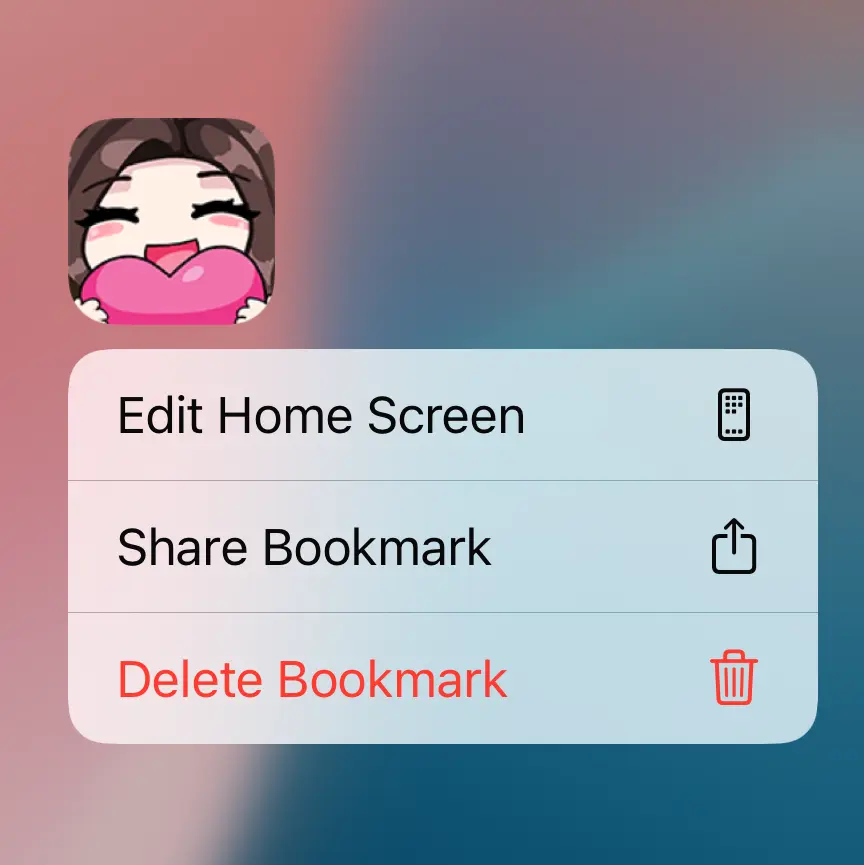
Press and hold the app icon until a menu appears. Tap Delete Bookmark and then Delete to uninstall it.
3

4
Add to Home Screen
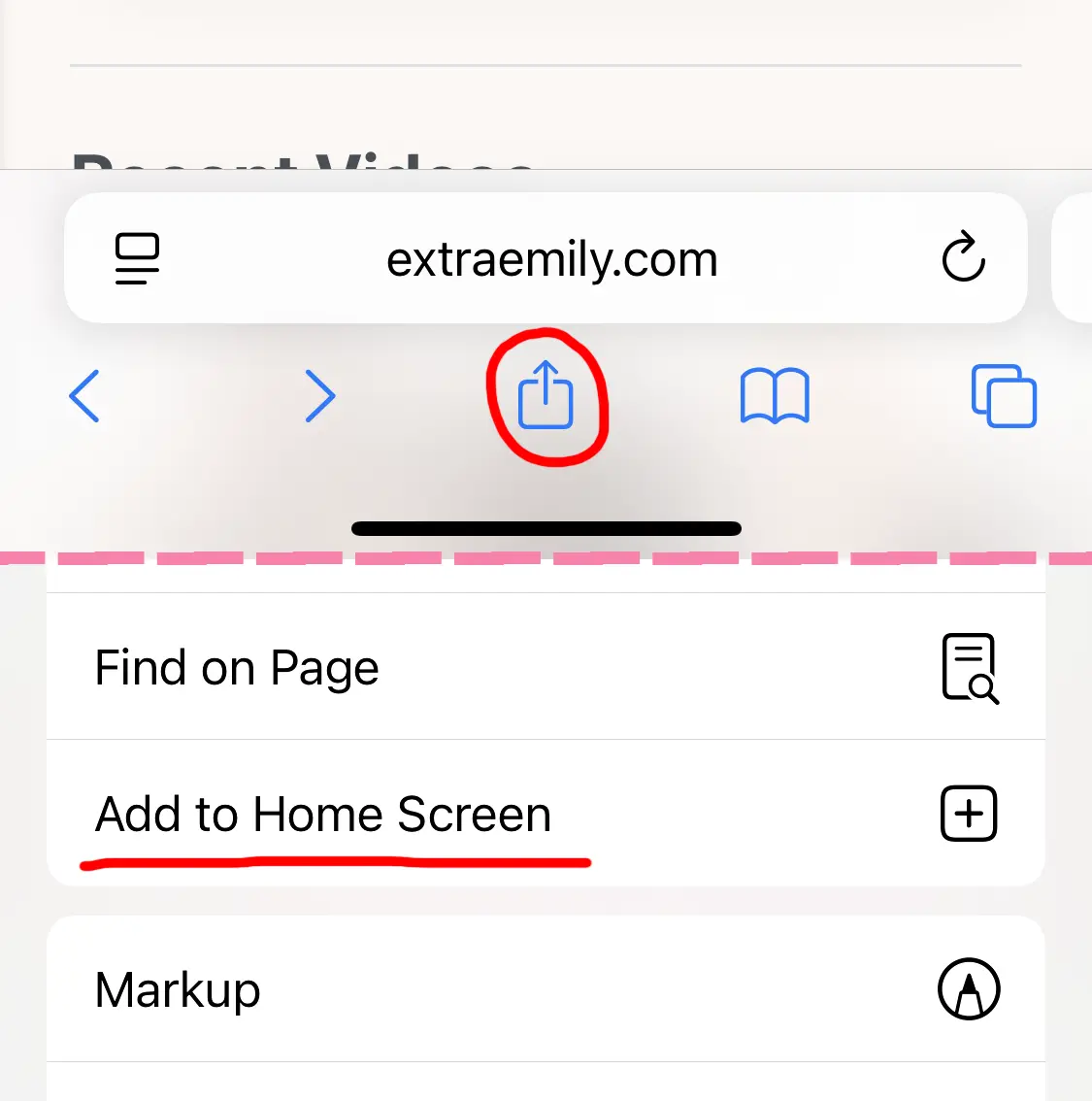
Tap the Share button (square with arrow), scroll down and tap Add to Home Screen. This will re-add the web app with a clean slate.
5
Set up Notifications
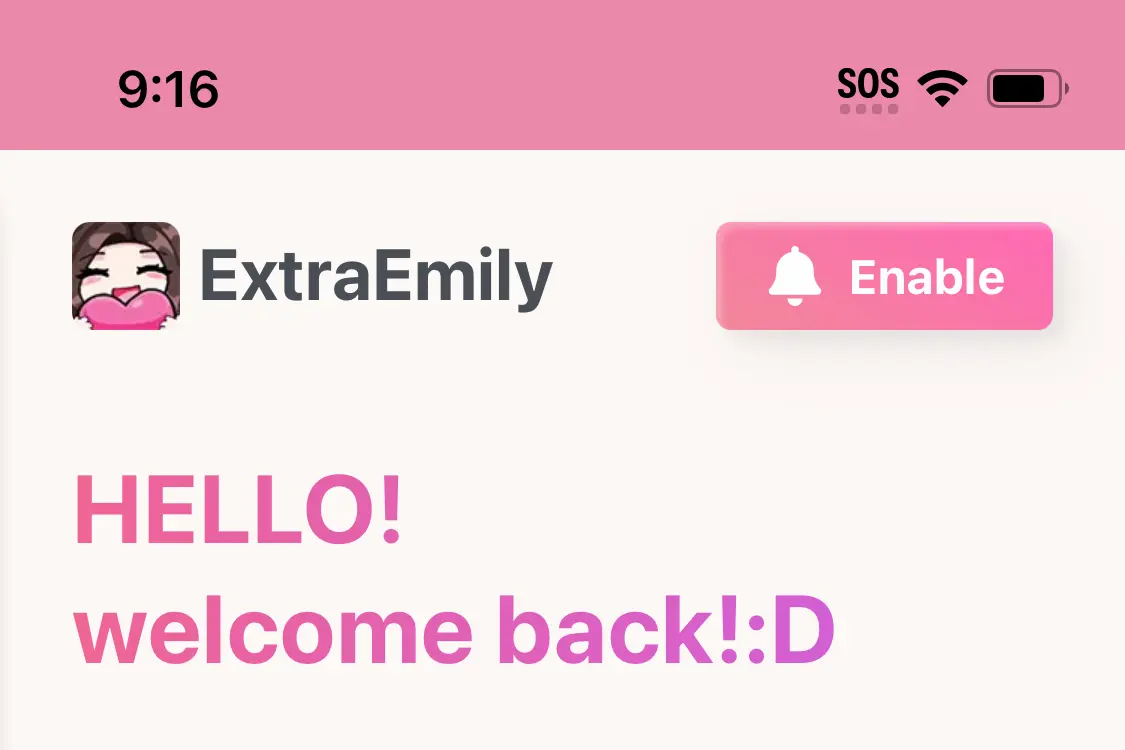
Find the app on your Homescreen and open it up. Tap Enable to start the notification process. Make sure to hit Allow this time!