ExtraEmily
How to reset Firefox Notifications on Windows
Changed your mind about notifications? Here’s how to allow them on a Windows PC on Firefox.
1
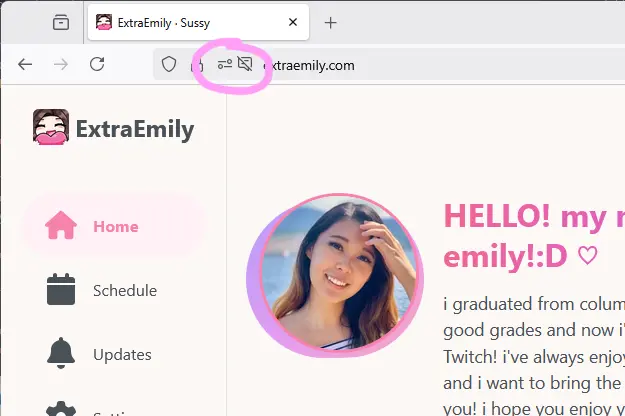
Find Site Settings
In the Firefox URL bar, click the Site Settings icon. It’s next to the crossed out speech bubble icon (to show notifications were blocked.)
2
Remove Blocked State
On the line that reads Send notifications, click the X next to the Blocked state.

3
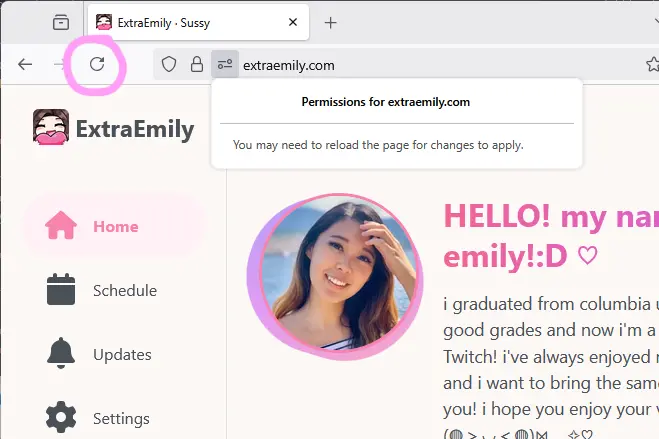
Refresh the Page
Reload the page for changes to apply.
4
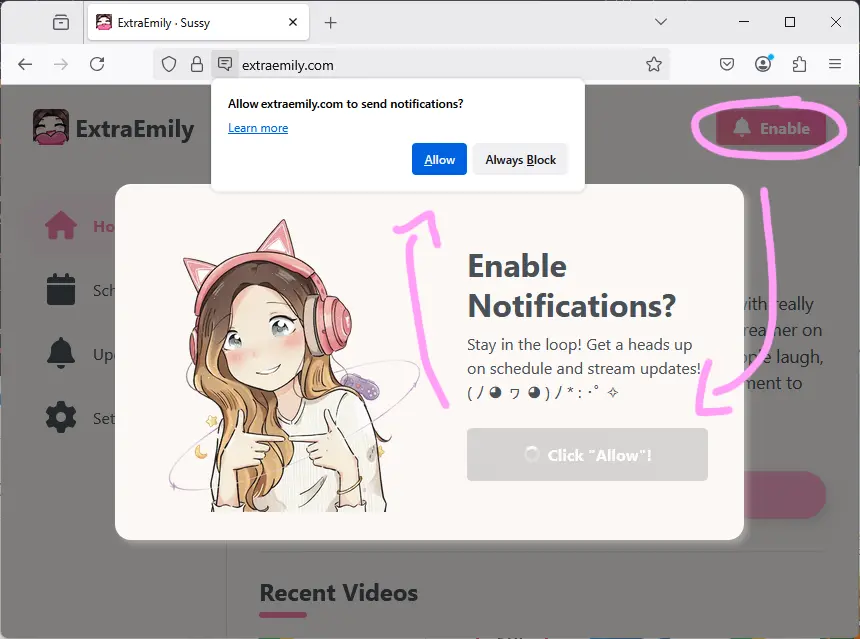
Set up Notifications
Now you can start the Notification setup again. Click Enable to bring up the notification dialog again. Make sure to click allow this time!